

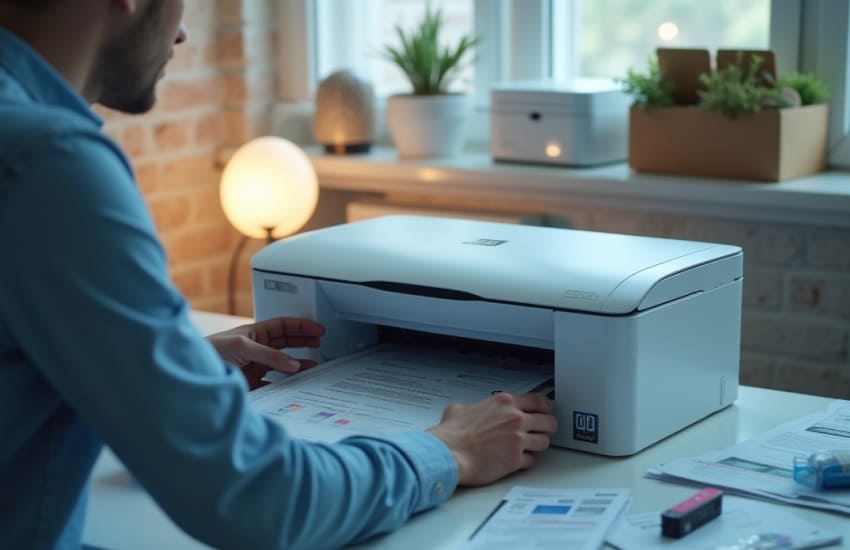
Ink or toner errors can appear unexpectedly and stop printing even when supplies seem available. Messages like “cartridge not detected” or “replace toner” often point to recognition or setup issues rather than a true shortage. Understanding why these errors occur helps you resolve them calmly and avoid unnecessary replacements. With a step-by-step approach, most ink or toner warnings can be cleared and normal printing restored.
Ink and toner errors usually happen when the printer cannot properly read or communicate with the installed supplies. Identifying the root cause makes troubleshooting much easier.
A cartridge that is not seated correctly can trigger an error even if it is full. Slight misalignment prevents proper contact between the cartridge and the printer. Removing and reinstalling the cartridge carefully often resolves this issue immediately.
Printers are designed to work with specific cartridge formats. If a cartridge is incompatible or not recognized by the system, the printer may display an error message. Checking compatibility before installation helps prevent repeated warnings.
Before adjusting settings, it’s important to inspect the physical condition of the ink or toner and its connection points.
Dust or residue on cartridge contacts can block communication. Gently wiping contacts with a dry, lint-free cloth helps restore proper detection. This simple step often clears errors without further action.
New cartridges may include protective seals or covers. If these are left in place, ink or toner cannot flow correctly, leading to errors or blank prints. Ensuring all packaging materials are removed is essential before use.
Many error messages are software-related and can be resolved through basic system actions rather than physical changes.
Restarting the printer clears temporary memory errors that may cause false warnings. Power the printer off, unplug it briefly, then restart. This reset refreshes internal sensors and often removes persistent alerts.
Outdated software can misinterpret cartridge data. Updating the printer’s firmware or drivers ensures accurate communication and reduces recurring supply errors caused by compatibility issues.
Once errors are resolved, small habits can help prevent them from returning during everyday use.
Ink and toner cartridges are sensitive components. Avoid touching contact points and store unused supplies in a clean, dry place. Careful handling preserves performance and reduces recognition problems.
Running empty cartridges may cause detection errors. Replacing them when levels are low helps maintain steady performance and avoids sudden interruptions during printing tasks.
Clearing an error does not always guarantee immediate print quality. A few follow-up steps help ensure everything functions correctly.
After resolving an error, print a test page to confirm the printer recognizes the supply and delivers proper output. This step verifies that both communication and ink flow are restored.
Checking supply levels periodically helps catch irregular behavior early. Monitoring status prevents surprises and allows you to address minor issues before they escalate into full errors.
Frequent ink or toner errors are often caused by installation issues, contact interference, or outdated software rather than defective supplies. By seating cartridges correctly, keeping contacts clean, updating software, and following careful handling practices, you can resolve errors efficiently and maintain smooth printing. A consistent, methodical approach ensures dependable performance and fewer interruptions over time.