

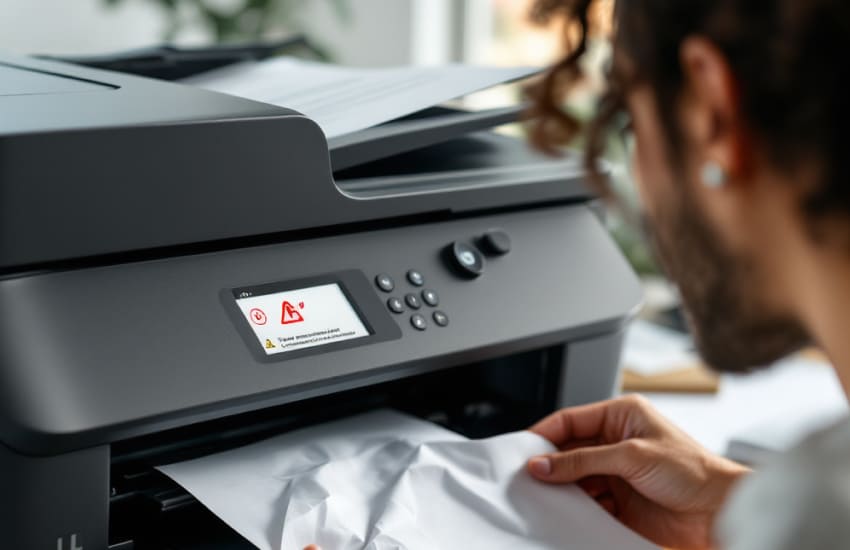
Paper jams are one of the most frequent printer problems and can interrupt work without warning. While they may seem frustrating, most paper jams happen due to simple handling or setup issues rather than serious faults. Understanding why jams occur and how to clear them safely can save time, prevent damage, and keep your printer running smoothly. A step-by-step approach helps resolve the issue without creating additional problems.
Paper jams usually occur when paper fails to move smoothly through the printer’s internal path. Identifying the cause makes it easier to fix the issue and avoid repeated jams.
One common reason for paper jams is improper loading. Paper stacked unevenly, overloaded trays, or paper pushed too tightly can block smooth movement. Always align paper edges neatly and respect the tray’s capacity markings to allow consistent feeding.
Paper that is too thick, thin, curled, or damp increases the chance of jams. Printers are designed for specific paper weights and textures. Using paper outside those limits can cause slipping or folding as the sheet moves through the rollers.
Removing jammed paper incorrectly can damage internal components. A careful method ensures the printer remains in good condition after the jam is cleared.
Before removing stuck paper, turn off the printer and unplug it. This prevents internal parts from moving unexpectedly and reduces the risk of tearing the paper further. Allow the printer to cool slightly if it was recently in use.
Gently pull the jammed paper in the direction it normally travels. Avoid jerking or pulling at an angle, as this can tear the paper and leave fragments behind. If resistance is felt, check for additional access panels rather than forcing removal.
Once a jam is cleared, it’s important to address what caused it to avoid repeated interruptions. Small adjustments can make a noticeable difference.
Dust, paper fibers, and debris can build up inside the printer over time. Periodically inspect accessible areas and gently clean rollers and trays using a dry, lint-free cloth. A clean paper path helps sheets move freely.
Paper absorbs moisture from the air, which can cause curling and sticking. Store paper in a dry place and keep it sealed when not in use. Using fresh, flat paper reduces feeding issues and improves print consistency.
Sometimes jams are linked to worn parts or incorrect settings rather than paper handling alone. Reviewing these areas helps maintain reliable operation.
Worn or dirty rollers may struggle to grip paper evenly. If the paper feeds inconsistently, inspect the rollers for visible wear or buildup. Also, ensure trays are properly inserted and not misaligned, as this can skew paper entry.
Incorrect paper size or type settings can confuse the printer’s feed mechanism. Confirm that the selected paper size in the printer settings matches what is loaded in the tray. Proper alignment between software settings and physical paper reduces feeding errors.
Paper jams are usually preventable with careful paper handling and routine checks. By loading paper correctly, using suitable paper types, clearing jams safely, and keeping internal components clean, you can significantly reduce disruptions. A consistent approach not only resolves current jams but also helps maintain steady printing performance over time.